01
Troubleshooting
Review the symptom, workflow impact and available error information before selecting a path.
Now That's Innovative
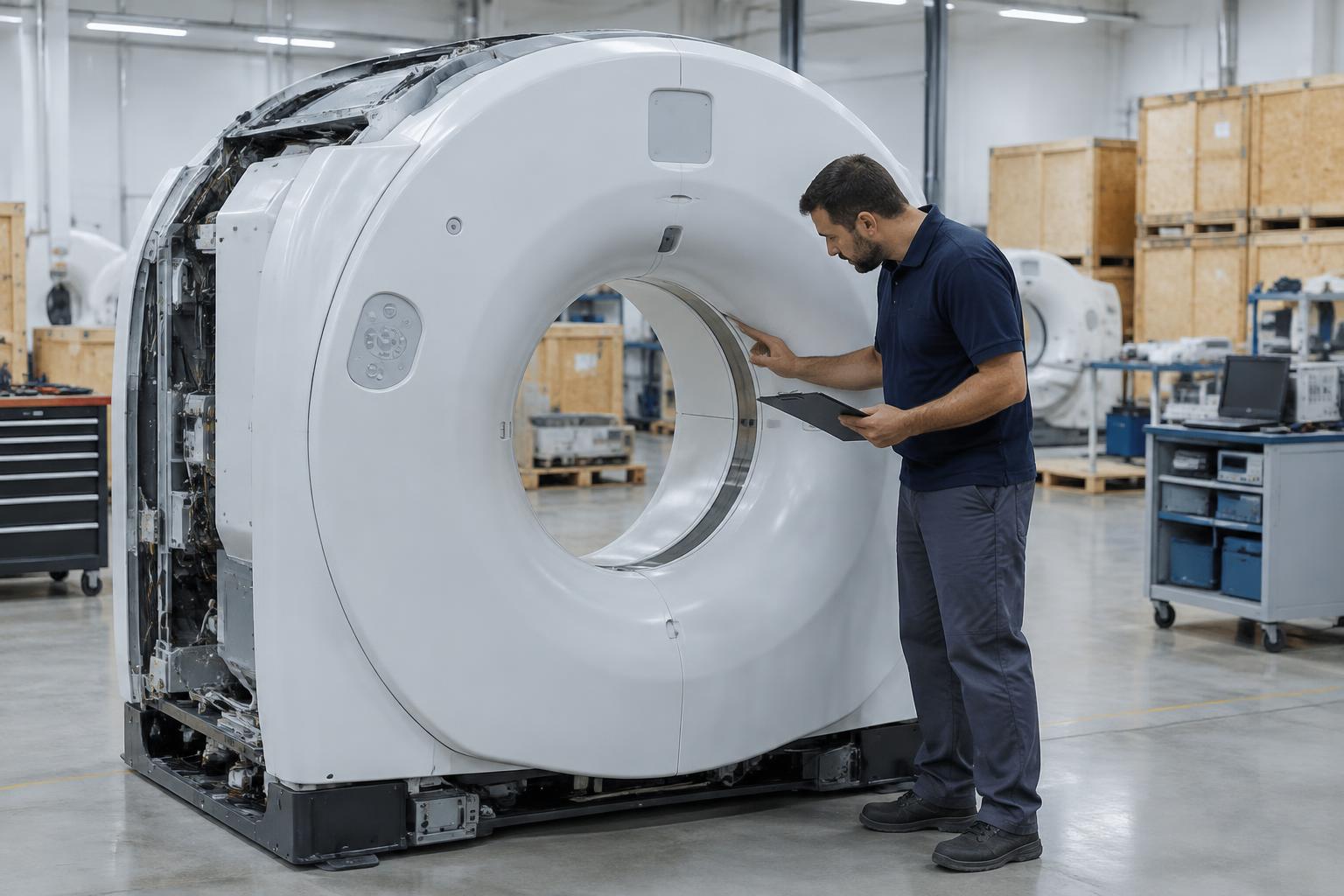
Digital imaging · DR · Portable
Troubleshooting and replacement support for DR panels and portable imaging units, based on the equipment and problem in front of you.
Area
Digital imaging
Equipment
DR panels and portable units
Support
Troubleshooting and replacement support
Support focus
A failed image, connection issue or damaged panel does not always point to the same solution. Start with what changed and the exact equipment involved.
01
Review the symptom, workflow impact and available error information before selecting a path.
02
Match the panel or unit details to the room, configuration and requested support.
03
Compare the immediate replacement need with the wider equipment plan for the room.
Technical scope
Manufacturer, model and service need determine the most useful next step.
Prepare your request
Send what you have. The team can review the request even when every detail is not yet available.
Explore the full service path
Parts, service, a replacement system or a sale: one request reaches the engineers who handle it.